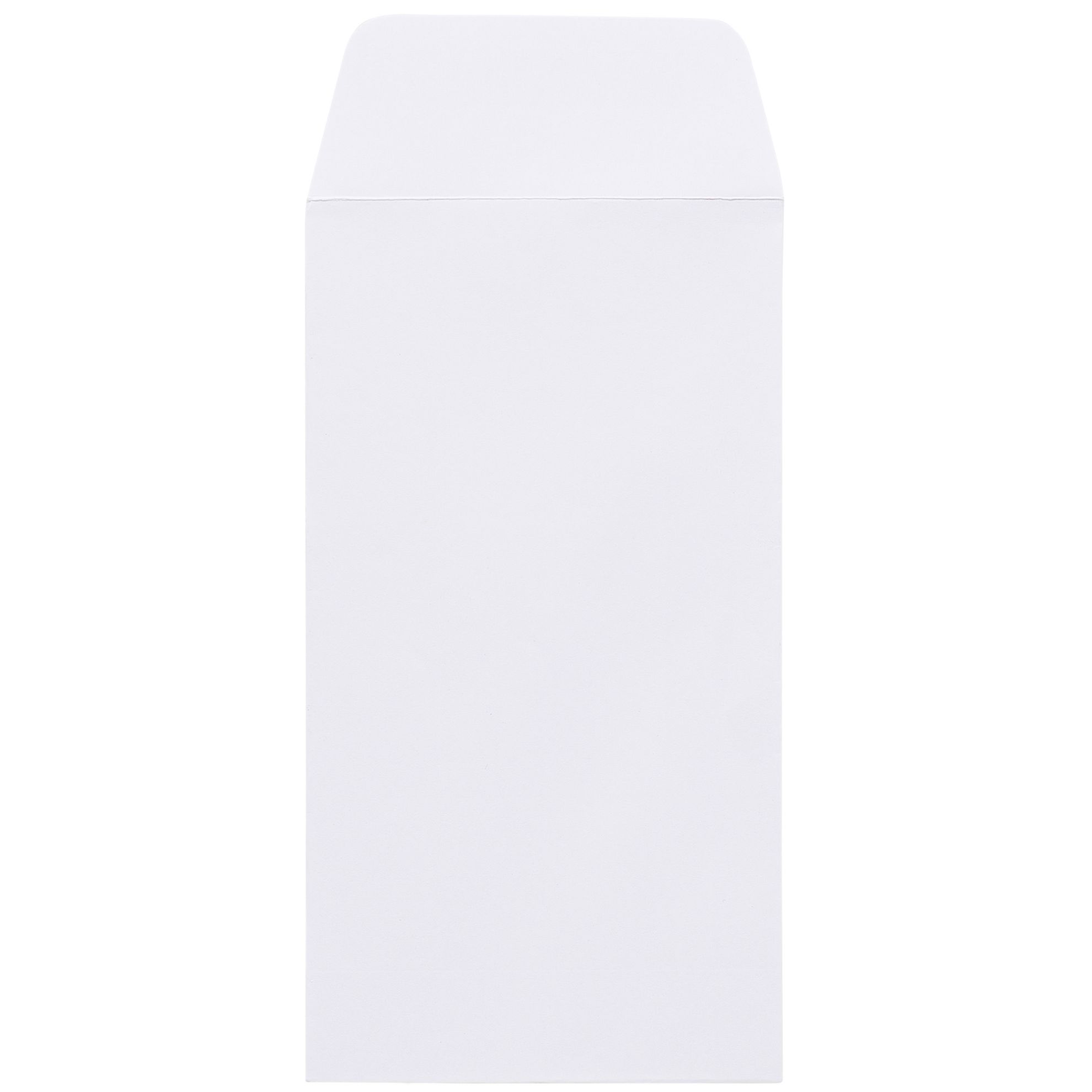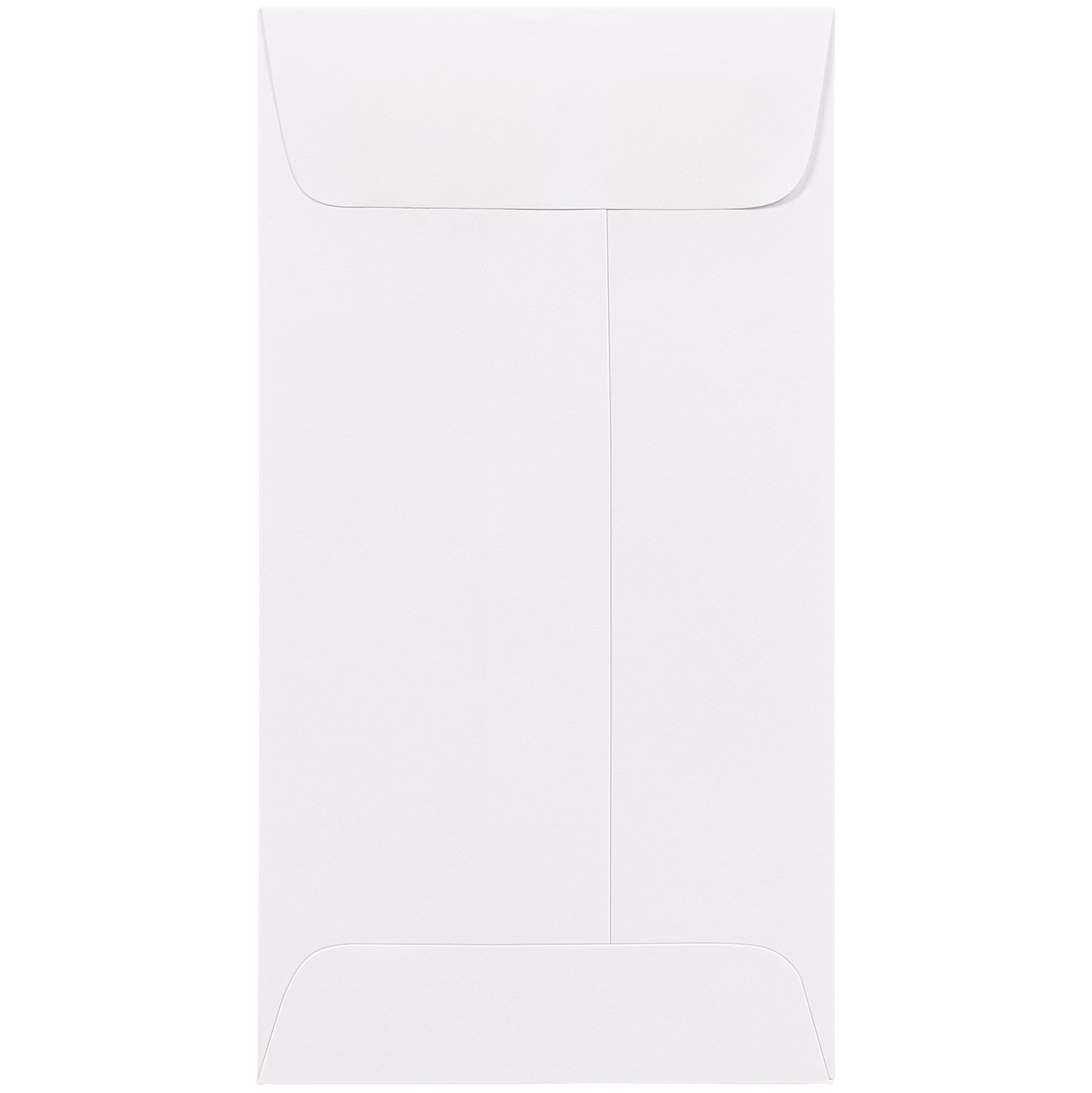
This guide covers every dimension, both available styles, the correct postage, how the #12 compares to neighboring sizes, and the kinds of mailings that benefit most from choosing it. All product information is based on the current listings at #12 Envelopes on BusinessEnvelopes.com.
Quick Summary
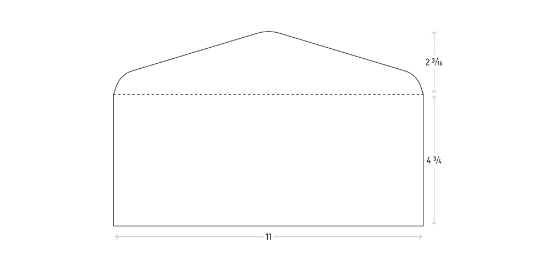
- The #12 envelope measures 4-3/4 x 11 inches (121 x 279 mm).
- Interior clearance accepts contents up to 4-1/2 x 10-3/4 inches.
- It takes USPS First-Class letter-rate postage, not flat-rate, as long as contents stay under 3.5 ounces.
- Styles: plain white gum flap and white window gum flap, both in 24 lb bright white wove stock.
- Best for: multi-piece mailings, check-plus-statement packets, and legal or billing correspondence with several inserts.
- Nearest alternatives: the #11 (smaller on both dimensions) and the #14 (next size up, suited for legal-size tri-folds).
What Is a #12 Envelope?
The #12 is a commercial-grade envelope in the standard business size family that runs from the #6-3/4 through the #14. It sits two steps above the ubiquitous #10, adding roughly 5/8 of an inch in height and 1-1/2 inches in length compared to that everyday size. The practical effect is direct: a packet that looks bulging and overstuffed in a #10 slides comfortably into a #12 with room for the flap to seal cleanly.
Business envelopes in the #12 size follow the same commercial format as the rest of the family. The opening is on the long side, the flap runs the full length of the envelope back, and the closure is a moistenable gum strip. The envelope is manufactured from 24 lb bright white wove stock, the same material used across the standard commercial range, which gives a clean professional finish appropriate for financial, legal, medical, and insurance correspondence.
For context on where the #12 fits in the full size range, the Envelope Size Chart and Guide covers every size from #6-3/4 through #14 and beyond.
#12 Envelope Dimensions in Detail
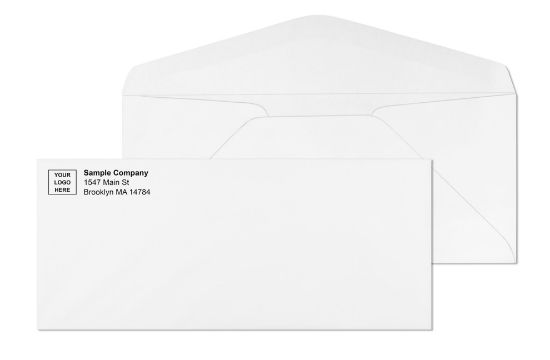
The outer dimensions are 4-3/4 inches tall by 11 inches wide. Because the seams and gum flap consume a small amount of interior clearance, the maximum insert footprint is 4-1/2 x 10-3/4 inches. Any content that fits within that footprint will slide in without forcing or overfilling the envelope.
| Measurement | Inches | Millimeters |
|---|---|---|
| Outer width | 11 in | 279 mm |
| Outer height | 4‑3/4 in | 121 mm |
| Maximum content width | 10‑3/4 in | 273 mm |
| Maximum content height | 4‑1/2 in | 114 mm |
A standard 8-1/2 x 11 letter-size sheet tri-folded into thirds measures approximately 3-2/3 x 8-1/2 inches, well within the clearance on both dimensions. A #9 reply envelope (3-7/8 x 8-7/8 inches) also fits without additional folding, which makes the #12 a natural match for remittance mailings that include a return piece.
One important boundary to understand: a legal-size (8-1/2 x 14) sheet folded in thirds measures approximately 4-2/3 x 8-1/2 inches, which is slightly taller than the 4-1/2 inch interior height of the #12. If the primary content is a tri-folded 8-1/2 x 14 legal sheet, a #14 envelope at 5 x 11-1/2 inches gives the clean, snug fit you want without any guesswork.
For help pairing common document sizes to envelope sizes, the guide to what size envelope fits 8.5x11 paper covers the most common pairings in detail.
What Fits Inside a #12 Envelope?
The #12 is built for mailings where a #10 or #11 runs out of room. Here is what fits inside with the 4-1/2 x 10-3/4 interior clearance:
Tri-folded 8-1/2 x 11 documents: An 8-1/2 x 11 sheet folded into three equal panels (each roughly 3-2/3 x 8-1/2 inches) fits with room for several additional sheets folded in the same way. Multiple pages in one fold create more thickness, but the 4-1/2 inch height handles it.
Check-plus-statement packets: A personal or business check (typically around 3 x 8-1/2 inches) combined with a two- or three-page statement, a reply envelope, and a remittance stub creates a combined thickness that can make a #10 flap bow. A #12 handles this packet cleanly.
Multiple inserts: When a cover letter is joined by a brochure, a disclosure form, a promotional insert, and a return piece, the extra width and length of the #12 prevents the kind of stuffing that damages corners and makes envelopes look disheveled.
Return envelopes: A #9 reply envelope at 3-7/8 x 8-7/8 inches fits inside a #12 without folding. This is the standard configuration for utility billing, insurance remittances, and financial mailings that ask the recipient to send something back.
If your application involves large envelopes in the flat-rate territory, the large envelope sizes guide covers formats above the letter-rate cutoff.
#12 Envelope Styles Available
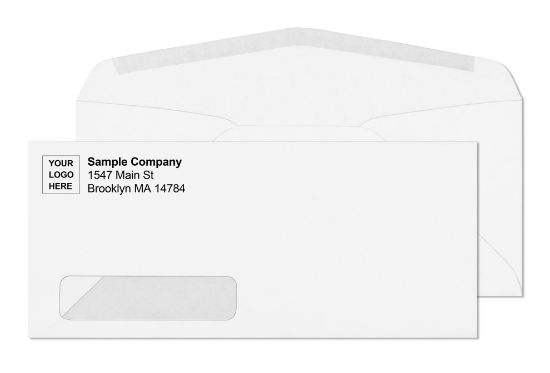
BusinessEnvelopes.com offers the #12 in two styles, both on 24 lb bright white wove stock with a moistenable gum flap closure:
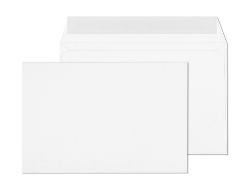
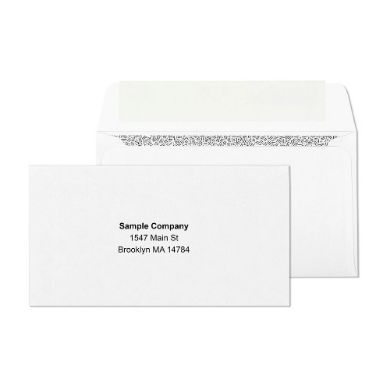
Plain White Gum Flap: The standard commercial style with no window cutout. Use this when the mailing address is printed directly on the envelope face or applied via label. The clean white surface accepts inkjet and laser printing, handwriting, and pressure-sensitive labels equally well.
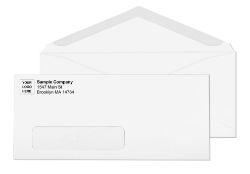
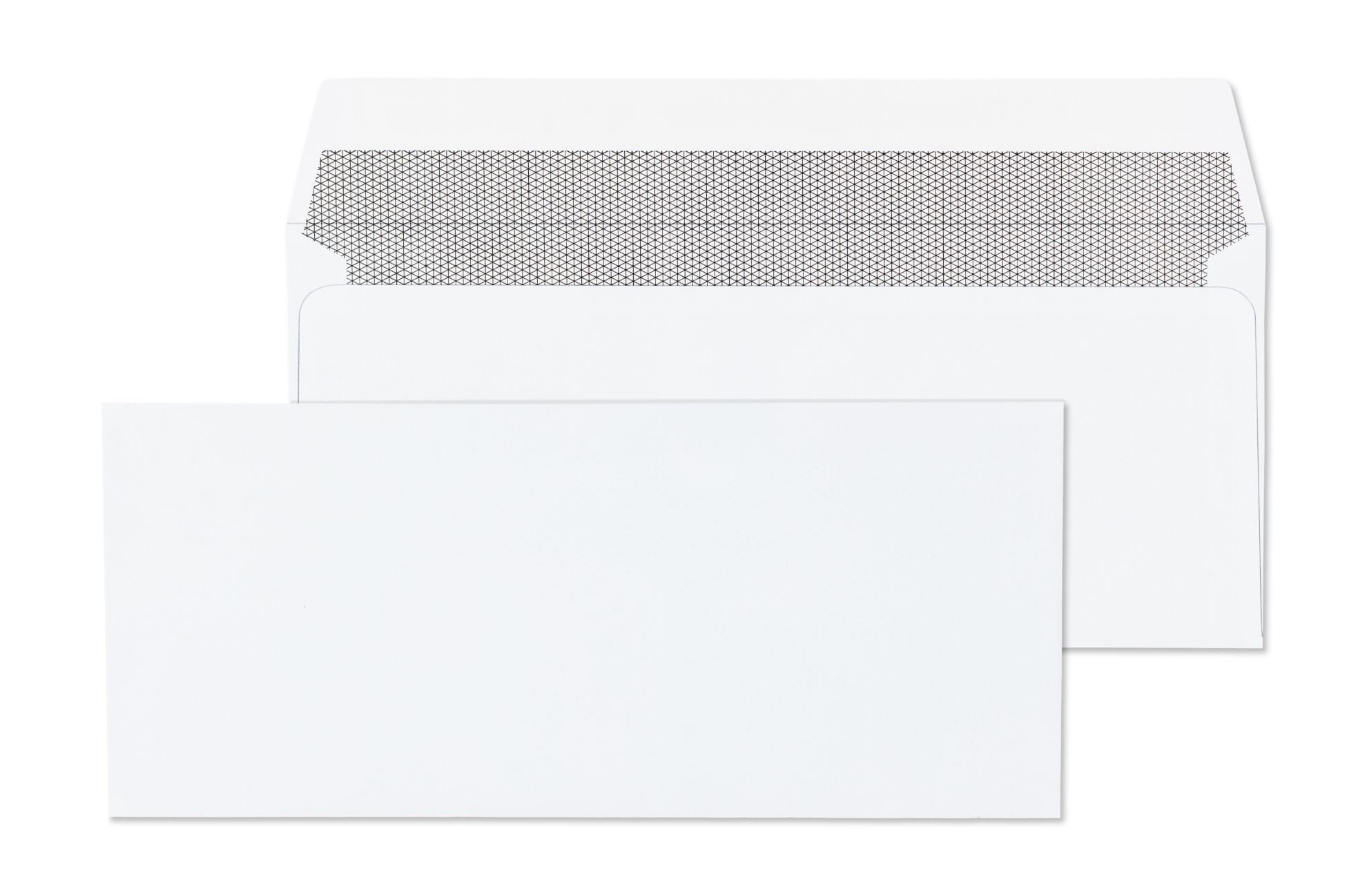
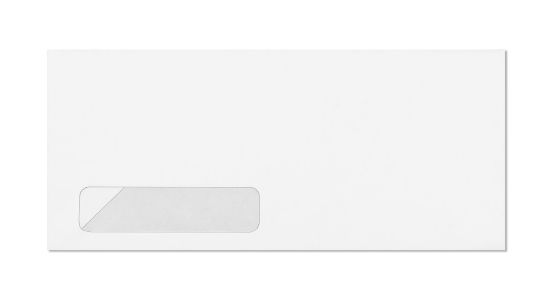
White Window Gum Flap: The same 24 lb white stock with a clear poly-film window in the standard left address block position. Use this when the enclosed document is printed with the recipient address in a position that shows through the window, which eliminates hand-addressing or labeling entirely.
Browse both options at #12 Envelopes. Compared to the #10 size family, the #12 selection is more focused. The #10 offers kraft stock, tinted colors, peel-and-seal closures, and double-window variants. The #12 range stays with white wove and gum closure only. If your workflow requires a self-sealing option or colored stock, the #10 or #11 sizes have broader choices available.
For window envelope applications in general, the window envelopes guide explains how window positions are measured, what clearance requirements apply, and which document formats work best with window styles. The full window envelopes category shows every available window size.
#12 Envelope Postage: Letter Rate, Not Flat Rate
This is one of the most important practical differences between a #12 and a larger envelope such as a 9x12 or 10x13. The #12 qualifies for USPS First-Class letter-rate postage, not the higher flat-rate pricing that applies to catalog-size or booklet envelopes.
USPS sets the boundary for letter-rate eligibility at a maximum height of 6-1/8 inches. The #12 envelope is 4-3/4 inches tall, which sits comfortably below that threshold. As long as the contents keep the total weight under 3.5 ounces and the envelope meets the other standard letter-dimension rules (minimum 3-1/2 x 5 inches; maximum 6-1/8 x 11-1/2 x 1/4 inch thick), the piece mails at letter rate.
The 2026 USPS First-Class letter rates, effective July 12, 2026, are:
| Weight | Stamped (Forever Stamp) | Metered |
|---|---|---|
| Up to 1 oz | $0.82 | $0.78 |
| 1 to 2 oz | $1.11 | $1.07 |
| 2 to 3 oz | $1.40 | $1.36 |
| 3 to 3.5 oz | $1.63 | $1.59 |
2026 USPS First-Class letter rates, effective July 12, 2026. Verify current rates at USPS.com before a large mailing run.
A single Forever stamp at $0.82 covers only the first ounce. A typical multi-piece packet in a #12 (a cover letter, a statement, a check, and a return envelope) will usually land between one and two ounces, which puts the postage at $1.11 for a stamped piece. Two Forever stamps ($1.64) cover that bracket with a small overpayment. A postage meter set to $1.11 is the precise option for volume mailings.
At 3.5 ounces or more, USPS reclassifies the piece as a flat and the postage rate increases significantly. Keep heavy packets at or below 3.5 ounces to stay in letter-rate territory.
For a full breakdown of letter postage by weight, see How Much Does It Cost to Mail a Letter? and How Many Stamps Do I Need? on BusinessEnvelopes.com. If you are considering a non-standard envelope shape that might trigger a surcharge, the non-machinable envelope guide explains when and why a surcharge applies.
#12 vs. #10 vs. #11 vs. #14: Which Size Do You Need?
The four sizes most relevant to standard business correspondence are the #10, #11, #12, and #14. The table below shows how they compare on dimensions, interior clearance, postage class, and best application:
| Size | Outer Dimensions | Interior Clearance | Postage Class | Best For |
|---|---|---|---|---|
| #10 | 4‑1/8 x 9‑1/2 in | 3‑7/8 x 9‑1/4 in | Letter rate | Single letter or one-page enclosure |
| #11 | 4‑1/2 x 10‑3/8 in | 4‑1/4 x 10‑1/8 in | Letter rate | Letter plus one or two light additions |
| #12 | 4‑3/4 x 11 in | 4‑1/2 x 10‑3/4 in | Letter rate | Multi-piece packets, check plus statement |
| #14 | 5 x 11‑1/2 in | 4‑3/4 x 11‑1/4 in | Letter rate | Legal-size tri-fold, bulkier packets |
The #12 row is highlighted. All four sizes mail at USPS First-Class letter rate when kept under 3.5 oz.
The #12 gives you 5/8 of an inch more height than the #11, and 1/4 inch less height than the #14. In length, the #12 is 5/8 of an inch longer than the #11 and 1/2 inch shorter than the #14. All four sizes mail at USPS First-Class letter rate when kept under 3.5 ounces.
The decision usually comes down to what goes inside. A single tri-folded letter-size document is handled cleanly by a #10 with room to spare. That same document with a check, a return envelope, and a supplemental insert calls for a #12. If the primary contents are a tri-folded 8-1/2 x 14 legal document and you want a clean, snug fit, the #14 is the better choice.
The #11 sits between the #10 and #12. It adds 1/4 inch in height and 5/8 of an inch in length over the #10, which is enough for a slightly thicker packet but not the substantial extra clearance the #12 provides.
Browse: #10 Envelopes | #11 Envelopes | #14 Envelopes. For the #14 in detail, see the #14 envelope guide.
When to Use a #12 Window Envelope
Window envelopes remove the manual step of addressing each piece. The recipient's name and mailing address are printed on the enclosed document, typically a statement, invoice, or billing letter, and positioned so they appear through the window when the document is properly folded and inserted.
For the #12 window style, the standard window is located at the left side of the envelope face. This position matches the address block location that most commercial billing software, ERP systems, and accounting platforms use by default. That means the #12 window version works directly with standard invoicing setups without requiring custom document layouts.
The window itself is a clear poly-film cutout. USPS equipment reads the address from inside the envelope through the window, so the piece moves through automated sorting without a separate label or hand-addressed portion.
The #12 window is a strong fit for:
- Insurance billing and explanation-of-benefits statements
- Utility invoices and account statements
- Financial institution correspondence (loan statements, account notices)
- Medical billing and patient account statements
- Any remittance mailing where high volume makes individual addressing impractical
If you are evaluating whether window or plain envelopes suit your setup better, the window envelopes guide covers positioning standards, USPS clearance zone rules, and the document alignment considerations that determine whether a window will work for your printed output.
How to Address a #12 Envelope
Addressing a plain #12 follows the same USPS business envelope conventions that apply across the commercial size family. The three key zones are:
Return address (upper-left corner): Stack the lines flush left starting with the company name, then street address, then city-state-ZIP. USPS prefers all caps with minimal punctuation. Keep the return address on the front of the envelope, not on the back flap, which is easy to overlook on a longer envelope. Without a return address, pieces that cannot be delivered go to the USPS Mail Recovery Center rather than back to you.
Delivery address block (center of face): Center the block horizontally and position it between 5/8 inch and 2-3/4 inches from the bottom edge. Leave at least one inch of clear space on each side. Use a non-proportional font such as Courier at 10 or 12 points. Avoid bold, italic, condensed, or script typefaces, which can cause OCR reading errors at automated USPS processing facilities.
Postage zone (upper-right corner): Place a stamp, meter strip, or permit imprint at least 1/4 inch from the top and right edges. Keep that corner reserved for postage only.
Barcode clear zone (bottom of face): Keep the bottom 5/8 inch of the envelope face free of text and design. USPS equipment applies a routing barcode to this area during sorting. Any print or artwork in this zone can cause misrouting.
For a detailed walkthrough of all addressing conventions, including how to handle attention lines, care-of addresses, PO Boxes, and ATTN formats, see How to Address an Envelope on BusinessEnvelopes.com.
Custom Printed #12 Envelopes
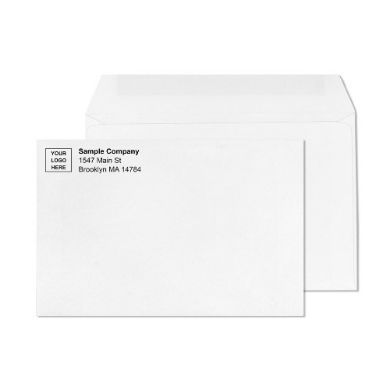
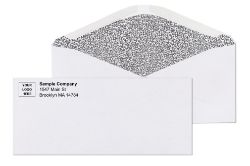
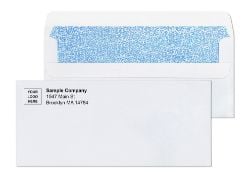
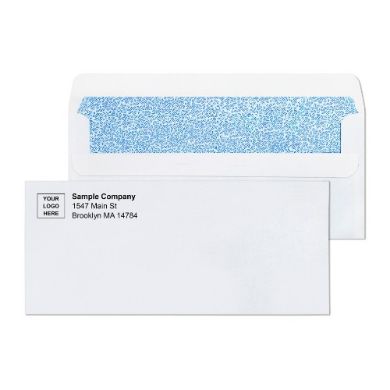
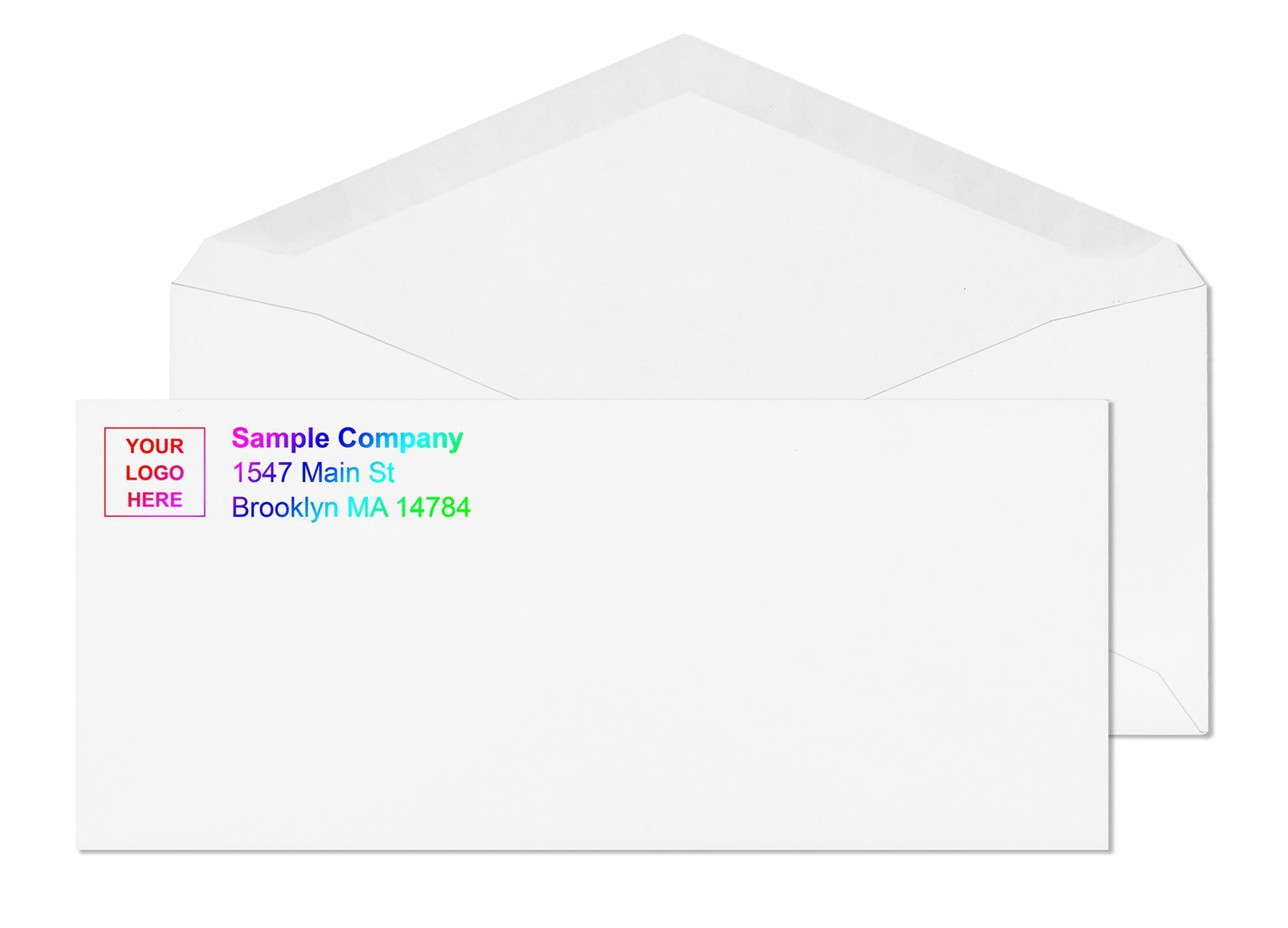
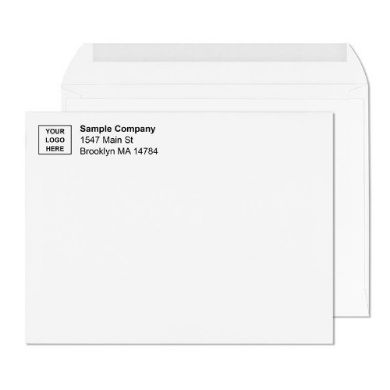
Many businesses order #12 envelopes with their brand identity printed directly on the stock. Standard customization options include a company logo, return address, company name, and tagline or marketing line. The printing is applied to the face of the envelope in the return address area, though layouts vary by order.
The printing process at BusinessEnvelopes.com includes a PDF proof before production begins. You review the proof, request any changes, and approve before the order moves to the press. Blank #12 envelopes ship same day or next business day from existing stock. Custom-printed orders ship within 7 to 10 business days after proof approval.
Printed envelopes remove the need for a rubber stamp, a label applicator, or a separate address-printing step at your facility. In a high-volume billing or financial mailing operation, that time savings adds up quickly. A printed return address also reinforces brand recognition on every piece that leaves your office.
See the full range of customization options, including available print colors and artwork submission formats, at Printed Envelopes on BusinessEnvelopes.com.
Industries That Rely on #12 Envelopes
The #12 is not a niche size. Several major industries rely on it precisely because their standard mailings outgrow the #10 without needing a flat-rate envelope.
Legal firms and law offices: Client correspondence that combines a cover letter, a document set, and a return envelope often reaches the thickness where a #10 strains. The #12 seals cleanly and presents a professional appearance appropriate for legal communication.
Financial services and accounting firms: Monthly or quarterly statements sent with a check, a remittance stub, and a return piece are a natural fit for the #12. The window version connects directly to most accounting and ERP billing platforms.
Insurance companies and agencies: Policy documents, renewal notices, and claims correspondence often run to multiple pages plus supplemental materials. The #12 gives the interior room to keep these multi-page packets together without creating stuffing problems.
Medical offices and healthcare billing: Explanation of benefits statements, patient billing notices, and remittance envelopes pair naturally with the #12 format. The window version is particularly efficient at volume.
Government agencies and municipalities: Tax notices, permit correspondence, and public service communications with multi-page enclosures use the #12 for the same reasons as financial and legal offices: it handles the contents without going to flat-rate postage.
About the Author
BusinessEnvelopes.com has supplied offices, law firms, financial institutions, medical practices, and print shops with commercial-grade envelopes for decades. The product specifications in this guide are drawn from the current listings on BusinessEnvelopes.com. The 2026 postage figures reflect the USPS rates in effect as of July 12, 2026. Confirm postage rates and any formatting requirements at USPS.com before a large mailing run.