
Quick answer: A business envelope with logo places your company logo and return address in the upper-left corner. The center stays clear for the delivery address. The upper-right postage zone and lower-right barcode zone must remain free of all design elements. The standard format for all sizes is #10 for correspondence, #9 for reply mail, 6x9 for flat documents, and 9x12 for bulkier materials. Custom printing requires a vector logo file (EPS or high-resolution PDF), no minimum order, and includes a PDF proof before production. See all formats at printed envelopes.
The envelope is what your customer sees first, before they read its contents. The Envelope With Logo immediately conveys that your business is professional and serious.
That first look sets the tone. It influences the levels of trust and order in people's thoughts about you. An ordinary envelope is lost in the mail. Therefore, Envelope With Logo stands out. It shows you care about details and stay consistent.
Companies that use branded envelopes for all their mail do more than send papers. They help people remember their names. They look more reliable. Every letter feels planned and important.
Over time, envelopes with your logo become a simple way to keep your brand visible in daily mail.
Benefits of Choosing Envelopes With Logo for Businesses
An envelope is more than a cover. It is part of how your company communicates. When you use printed envelopes with your logo, you get real benefits in operations and marketing without extra work.
Stronger Brand Recall With Every Delivery
Using the same design every time makes your email easy to recognize. People know it is from you before they check the return address.
- Links your logo to your company in their mind
- Keeps your look the same on invoices, letters, and notices
- Turns regular mail into quiet branding
Professionalism That Builds Immediate Trust
A clean envelope with a logo tells people the contents matter. It looks official and well-prepared.
- Stops mail from looking like junk
- Shows you run things in an orderly way
- Adds weight to financial or legal papers
Operational Consistency Across Teams
When different teams use different envelopes, the mail looks messy. One standard envelope keeps everything matching.
Faster Mail Identification and Handling
Easy-to-spot envelopes move more quickly through mailrooms and offices.
- Helps people pick out important mail first
- Speeds up sorting
- Cuts delays in getting documents delivered
Reliable Results When Using Established Suppliers
Trusted Envelope With Logo suppliers like Business Envelopes provide sharp printing, strong paper, and accurate layouts that look good even after shipping.
- Same quality every time
- Meets postal placement rules
- Uses paper made for business mail
Long-Term Cost Efficiency Through Standardization
One standard printed envelope saves on design, labels, and sourcing over time while maintaining high quality.
- No need for separate address labels
- Makes bulk orders easy
- Keeps supply steady and predictable
Read more about custom business window envelopes so you can choose the best for your business.
What Information Should Be Included on an Envelope With Logo?
The envelope needs to be clear and simple. Do not crowd it. The goal is to present the key details in a neat, professional format that complies with postal regulations. Every item should have a clear purpose and maintain a balanced design.
Company Name and Logo Identity
People can identify you by your logo. Make it the right size for the envelope. Position it so it is visible without obscuring the address information. This makes the envelope with Logo reusable and defines your brand image.
Complete Return Address for Reliability
Always include your full return address. If the mail cannot be delivered, it will be returned to you quickly. It also verifies the mail is legitimate and provides a way to reply or keep records.
Contact Details When Relevant
Some companies add a phone number or website under the return address. Keep it small so it does not detract from the main purpose or make the front too busy.
Clear Recipient Address Space
Leave the middle of the envelope open for the delivery address. Good spacing helps machines read it correctly and prevents sorting problems.
Postal Compliance and Clear Zones
Follow mail service rules to avoid delays or returns.
- Leave space for barcodes
- Keep graphics away from the address area
- Follow correct alignment rules
Subtle Design Elements for Brand Character
Small touches can improve the look if used carefully.
- Thin borders or light lines
- Soft background patterns
- Short tagline when it fits
Correct Logo Placement: Where Is the Ideal Choice?
The position of the logo matters. The right spot makes it look planned and keeps the envelope easy to use.
Upper-Left Corner for Recognition and Balance
This is the standard and best place. It aligns with how people read and complies with postal guidelines.
- Easy to see as soon as someone picks up the mail
- Leaves the full address area clear
- Keeps the envelope looking clean and organized
Scaled Proportion to Envelope Size
The logo should fit the envelope. Too big crowds the space. Too small loses impact.
- Keep even margins around it
- Make sure it prints sharply and clearly
- Balance the logo and address so neither overpowers the other
Consistency Across All Envelope Sizes
Use the same placement on every size you order.
- Same spot on #9, #10, and larger catalog envelopes
- Builds a consistent look that people recognize
- Makes your design rules simple to follow
USPS Compliance Rules for Envelopes With Logo
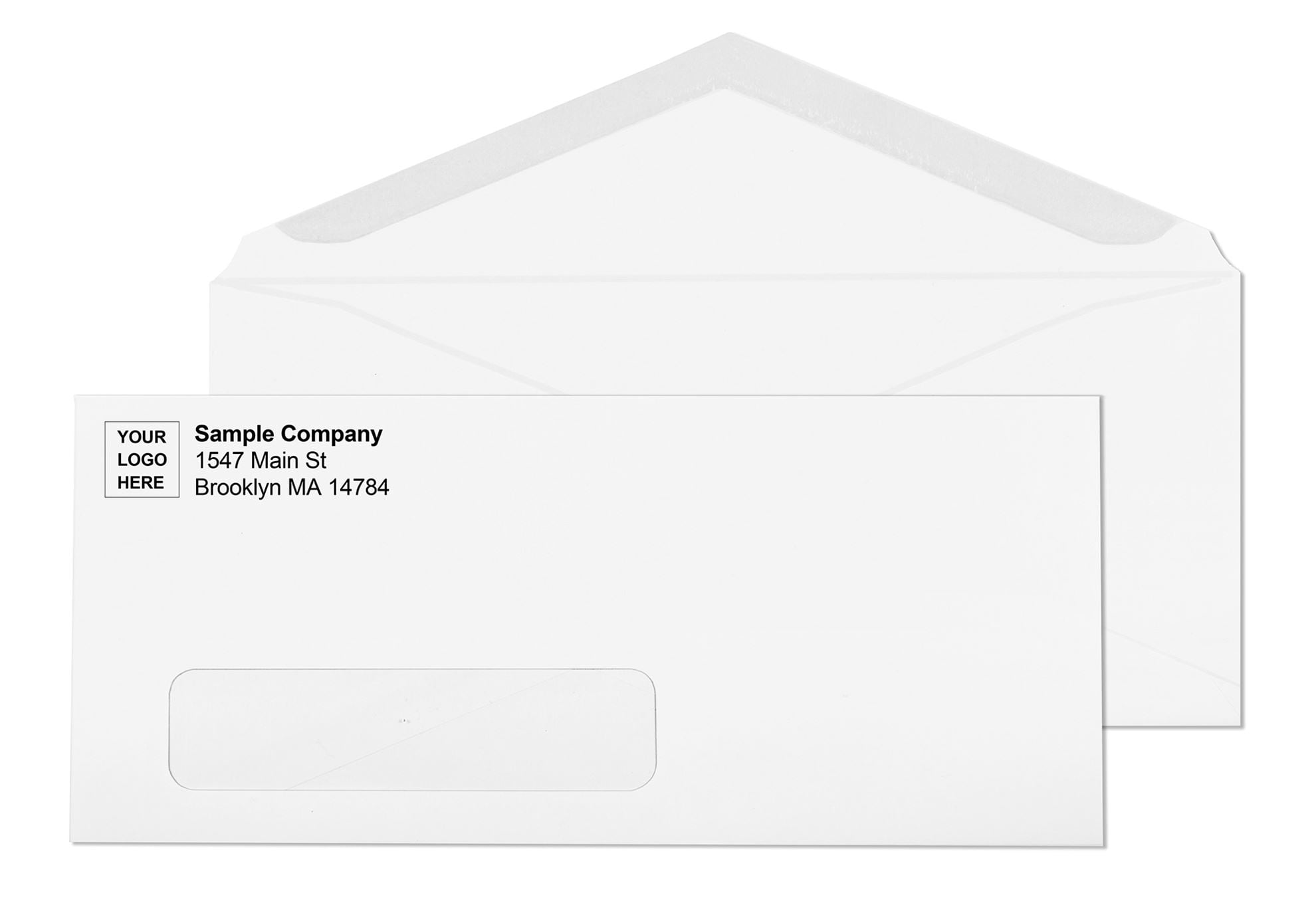
Every envelope with a logo must respect the three zones USPS automation equipment looks for on the front face. Any design element that falls in the wrong zone can delay the piece or trigger a non-machinable surcharge.
| Zone | Location | Rule |
|---|---|---|
| Return address zone | Upper-left corner | Logo and return address go here. At least 1/2 inch from left edge and top edge. |
| Delivery address zone | Center face | Keep this clear. No design, borders, or graphics that overlap or crowd the address block. |
| Postage zone | Upper-right corner | Reserve entirely for stamp, meter indicia, or permit. No logo, text, or design allowed. |
| Barcode clear zone | Bottom 5/8 inch, full width | Must stay completely empty. USPS prints delivery barcodes here during automated sorting. |
4 Best Size Options for Envelope With Logo
Choose the right size so documents fit well, and the envelope still looks professional. Each size works for different tasks.
#9 Envelope for Reply Mail and Statements
#9 Envelope size is designed for return mail or smaller inserts, such as pre-addressed reply envelopes.
- Good for getting responses back
- Small but professional
- Fits standard mail processes
#10 Envelope for Standard Business Communication
#10 Envelope is the most common business envelope. It works for letters, invoices, and regular mail.
- Holds letter-size paper folded in thirds
- Used in every industry
- Perfect for daily use
6x9 Envelope for Flat Document Mailing
This size lets you send documents flat without folding. For a complete guide to what fits in a 6x9 and when it saves money on postage, see 6x9 Envelopes: Letter-Rate Postage, Sizes and Uses Guide.
- Best for reports or presentations
- Keeps papers safe and flat
- Looks more serious
9x12 Envelope for Bulkier Materials
Use this for thick items such as catalogs, contracts, or multi-page documents. For full size and format options, see 9x12 Envelope: Size, Uses, Formats, and When to Use It.
- No folding needed
- Good for important submissions
- Handles larger or heavier contents
Artwork Requirements: File Formats for Logo Printing on Envelopes
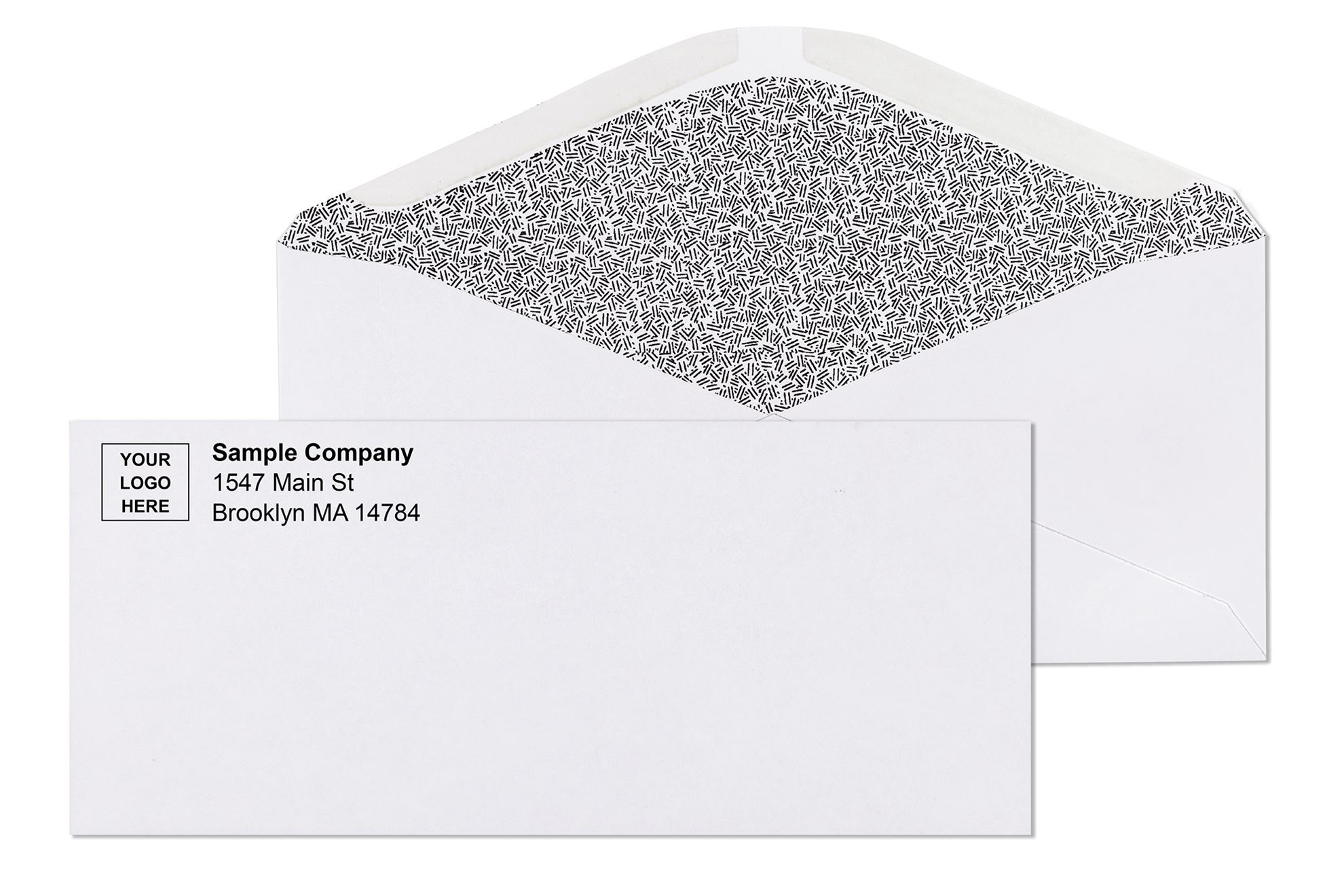
The print quality of a logo on an envelope depends almost entirely on the artwork file submitted. A sharp, professional result requires the right file format from the start.
| File Format | Accepted | Notes |
|---|---|---|
| EPS (vector) | Yes , preferred | Scales to any size without losing sharpness. Standard for envelope printing. |
| PDF (vector) | Yes , preferred | Best when fonts are embedded or converted to outlines. Clean for production. |
| AI (Adobe Illustrator) | Yes | Accepted when converted to curves. Confirm with your supplier at submission. |
| JPEG (raster) | Conditional | Accepted only at 300 DPI or higher at final print size. Website-copied logos are never sufficient. |
| PNG | Conditional | Same requirement as JPEG: 300 DPI minimum at print size. |
| Word / PowerPoint logo | No | Low-resolution embedded images from office files will not print cleanly on envelope stock. |
For a complete guide covering bleed zones, safe zones, ink color options, and file format specifications for custom envelope printing, see Custom Printed Envelopes: Logo Return Address Design Guide.
How a Well-Designed Envelope Improves Daily Operations?
An envelope is more than just a carrier of mail. It takes minor issues out of the ordinary work. Envelopes can be standard or printed, then laid out to save time on setup and on actual work. The result is improved communication, fewer errors, and easier mail processing.
Reduces Preparation Time Across Departments
With the logo and layout already on the envelope, no one has to print labels or fix formats each time.
- Cuts out repeat setup steps
- Speeds up sending invoices and documents
- Let's teams focus on important work
Creates Consistency in High-Volume Mailings
Companies that send a lot of mail benefit from one reliable format that works every time.
- Every piece looks the same and professional
- Makes bulk mail runs easier
- Prevents mixed-up stationery
Improves Accuracy and Minimizes Handling Errors
Clear spaces for addresses reduce mistakes that cause delays or returns.
- Stops bad placement or overlaps
- Helps mail go through the postal systems smoothly
- Lowers the chance of lost or returned mail
Supports Faster Internal Workflow Coordination
When supplies are predictable, staff can prepare and send mail without second-guessing.
- Speeds up putting documents together
- Makes training new staff easier
- Builds processes that scale
Strengthens Professional Communication Without Extra Effort
The envelope shows your brand automatically. No need for extra inserts or labels to look professional.
- Keeps mail looking sharp every day
- Builds trust in regular communication
- Turns basic mail into brand support
Simply stated, a properly designed envelope integrates into your everyday system. It makes your business run more quickly, keeps it organized, and maintains a professional appearance without additional procedures.
Design Tips That Actually Improve Printing Results
Good print design needs attention to detail. Small errors can affect clarity, strength, and cost.
- Use Print-Friendly Fonts: Choose simple, clear fonts that print well every time without blurring.
- Keep Color Controlled: Use only a few colors. This keeps printing simple and matches a professional business style.
- Maintain White Space: Leave open space around text and the logo. It makes addresses easy to read.
- Use High-Resolution Artwork: Always use sharp, high-quality logo files. Low-resolution files cause blurry prints.
- Align Layout With Envelope Size: Design for the exact envelope size. Do not stretch one layout across different sizes.
Choosing the Right Paper Weight for Custom Printed Envelopes
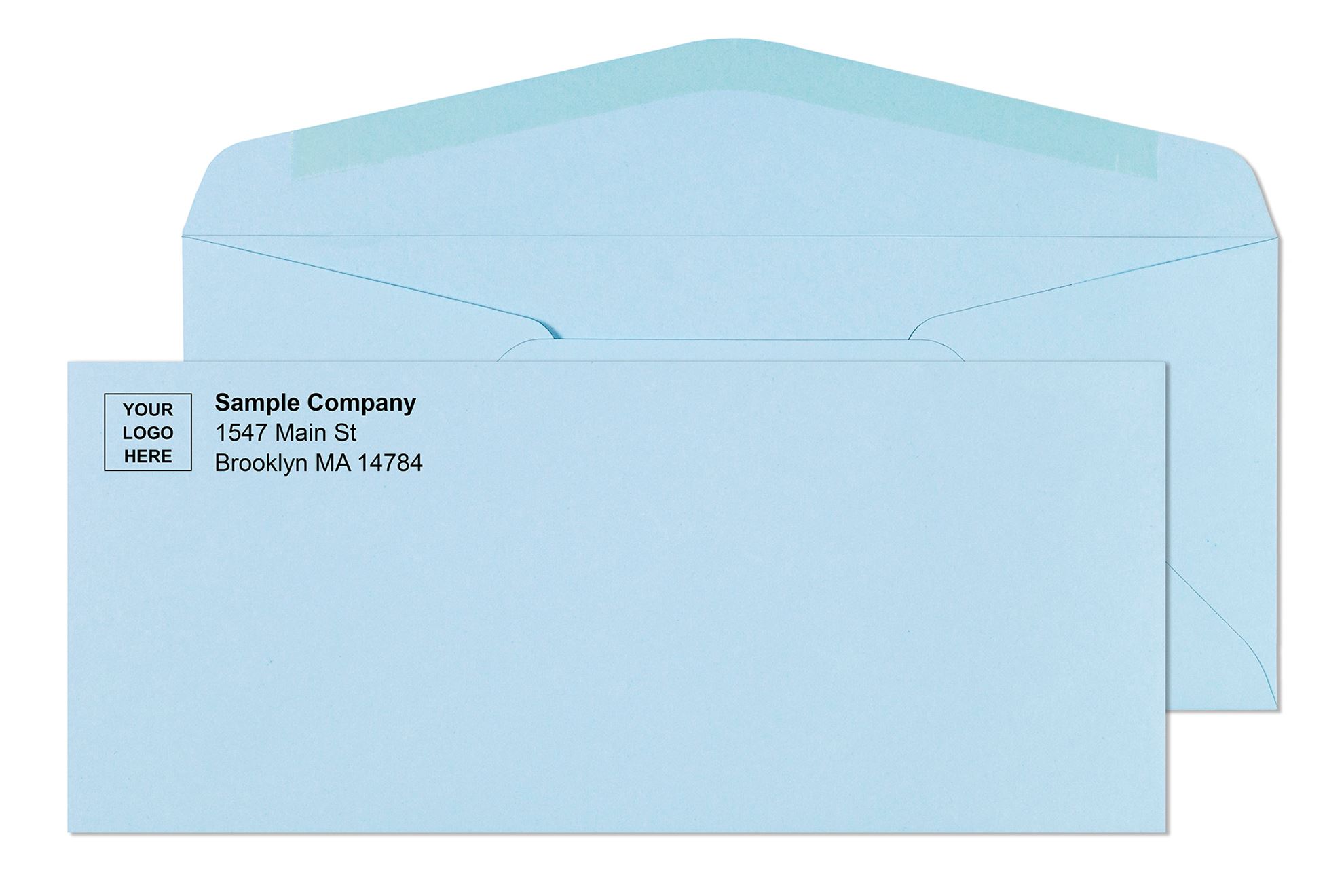
Paper weight affects how your printed envelope feels in the hand, how well the logo prints, and whether the envelope meets USPS minimum weight requirements for automated processing.
| Paper Weight | Best For | Logo Print Quality |
|---|---|---|
| 20 lb bond | High-volume, cost-sensitive programs | Acceptable , logo prints clearly in standard 1-color programs |
| 24 lb bond | Standard business correspondence | Best , the industry standard for logo printing on business envelopes |
| 28 lb bond | Premium correspondence, legal, financial | Excellent , heavier stock gives a more substantial feel and holds color ink cleanly |
For a complete breakdown of envelope paper weight options and how to choose by use case, see Envelope Paper Weight Guide: 20 lb, 24 lb, and 28 lb Explained.
Common Mistakes to Avoid When Customizing an Envelope With Logo
Even good teams can make these mistakes. Below are some of the most common mistakes to avoid When Customizing an Envelope With Logo.
- Oversized Logos: They occupy too much space, leaving less room for the address.
- Ignoring Postal Zones: Not leaving clear areas can lead to mail issues.
- Crowded Layouts: Too much information makes everything hard to read.
- Using Low-Quality Files: Poorly formatted files lead to lower print quality.
- Treating Envelopes Like Marketing Pieces: Envelopes are for clear delivery, not advertising. Focus on being clean and professional.
Conclusion
Minor details matter a lot in business. Envelopes are used daily and provide silent branding. An excellent envelope with your logo conveys trust, organization, and confidence even before the letter is opened.
At Business Envelopes, we offer high-quality business envelopes that suit actual business requirements. Our printing is high-quality, the material is durable, and the size is efficient to make your mail presentable and easy to handle.
We make every envelope work in favor of your brand, streamline your operations, and provide the consistency you want, regardless of whether you are sending invoices, statements, or bulk mailings.